 pr-submit[bot]
Full Stack FastAPI Template


Technology Stack and Features
- ⚡ FastAPI for the Python backend API.
- 🧰 SQLModel for the Python SQL database interactions (ORM).
- 🔍 Pydantic, used by FastAPI, for the data validation and settings management.
- 💾 PostgreSQL as the SQL database.
- 🚀 React for the frontend.
- 🧩 Built into the backend application and served by FastAPI on the same domain as the API.
- 💃 Using TypeScript, hooks, Vite, and other parts of a modern frontend stack.
- 🎨 Tailwind CSS and shadcn/ui for the frontend components.
- 🤖 An automatically generated frontend client.
- 🧪 Playwright for End-to-End testing.
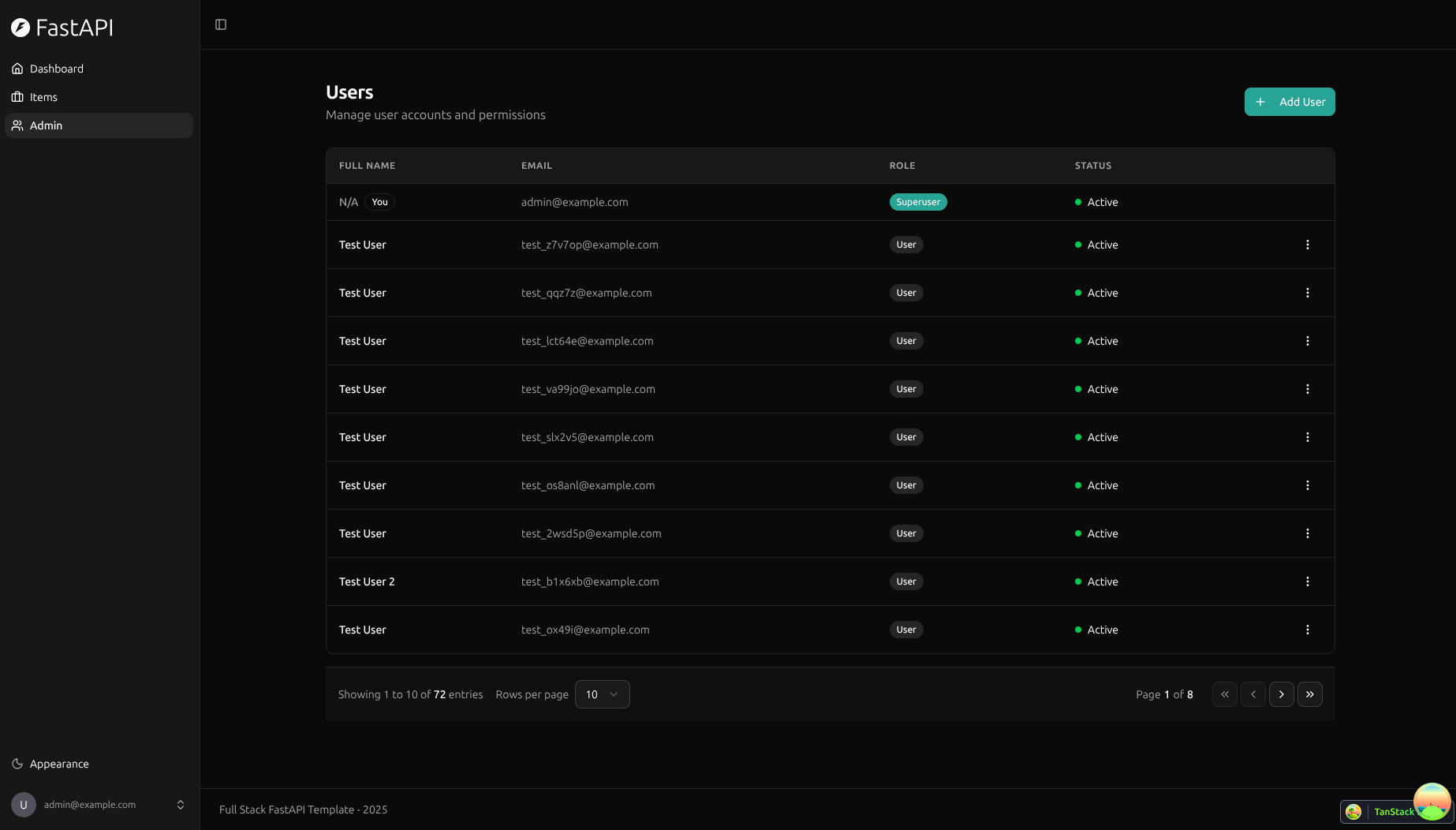
- 🦇 Dark mode support.
- ☁️ FastAPI Cloud for deployment.
- 🐋 Docker Compose for local services and self-hosted deployment.
- 📞 Traefik as a reverse proxy with automatic HTTPS.
- 🔒 Secure password hashing by default.
- 🔑 JWT (JSON Web Token) authentication.
- 📫 Email based password recovery.
- 📬 Mailcatcher for local email testing during development.
- ✅ Tests with Pytest.
- 🚢 Deployment with FastAPI Cloud or self-hosting with Docker Compose and Traefik.
- 🏭 CI (continuous integration) and CD (continuous deployment) based on GitHub Actions.
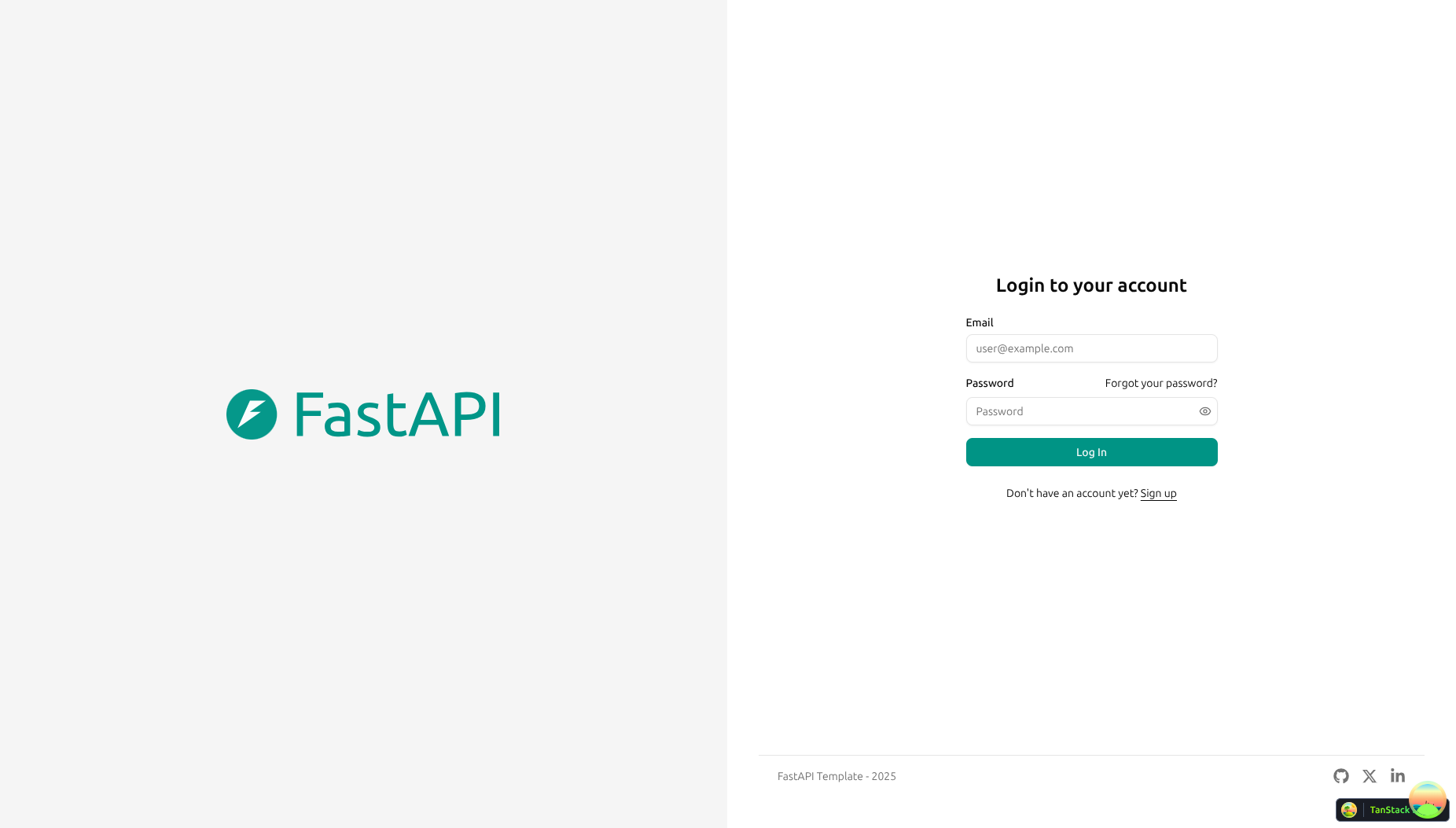
Dashboard Login
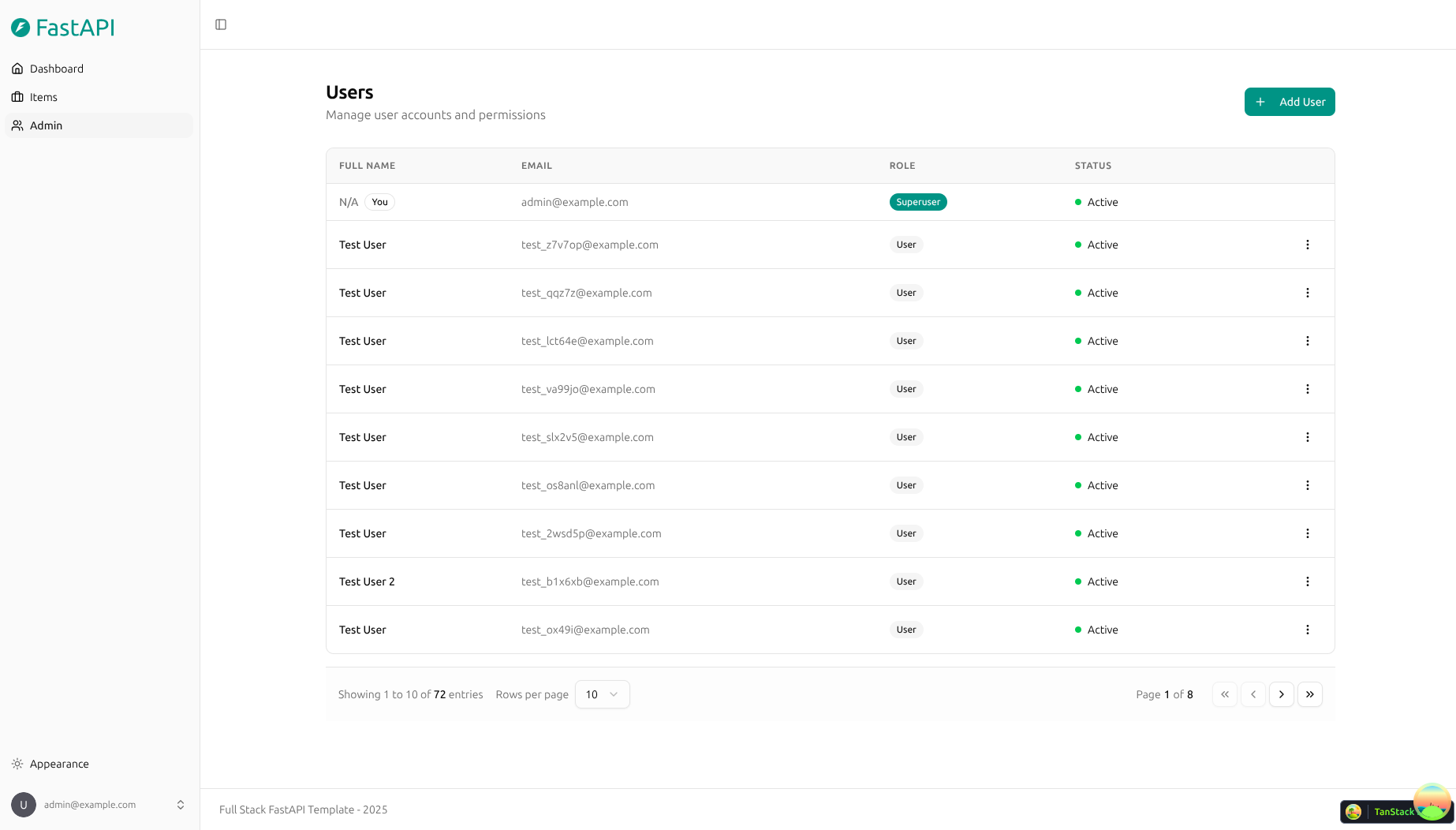
Dashboard - Admin
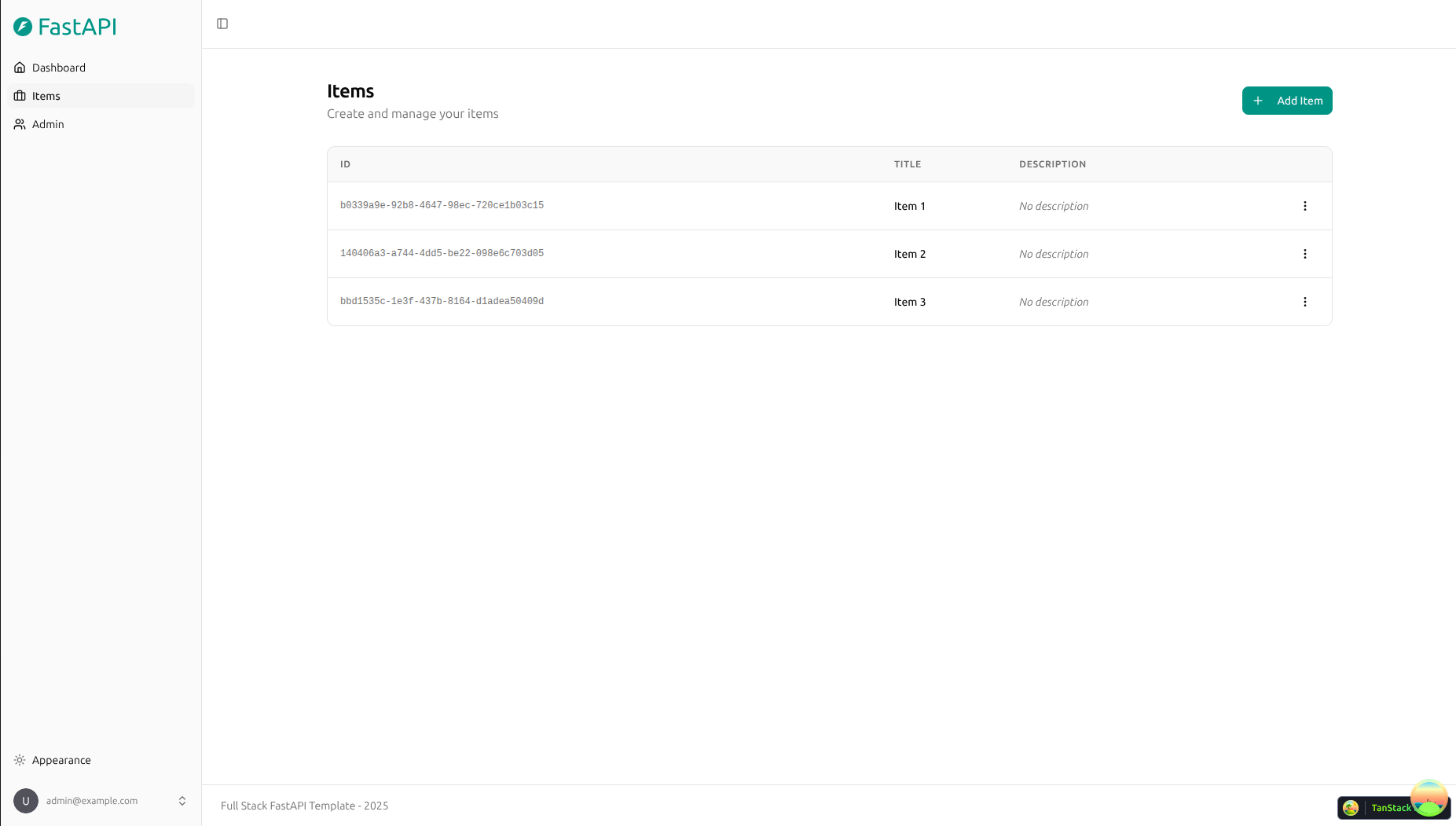
Dashboard - Items
Dashboard - Dark Mode
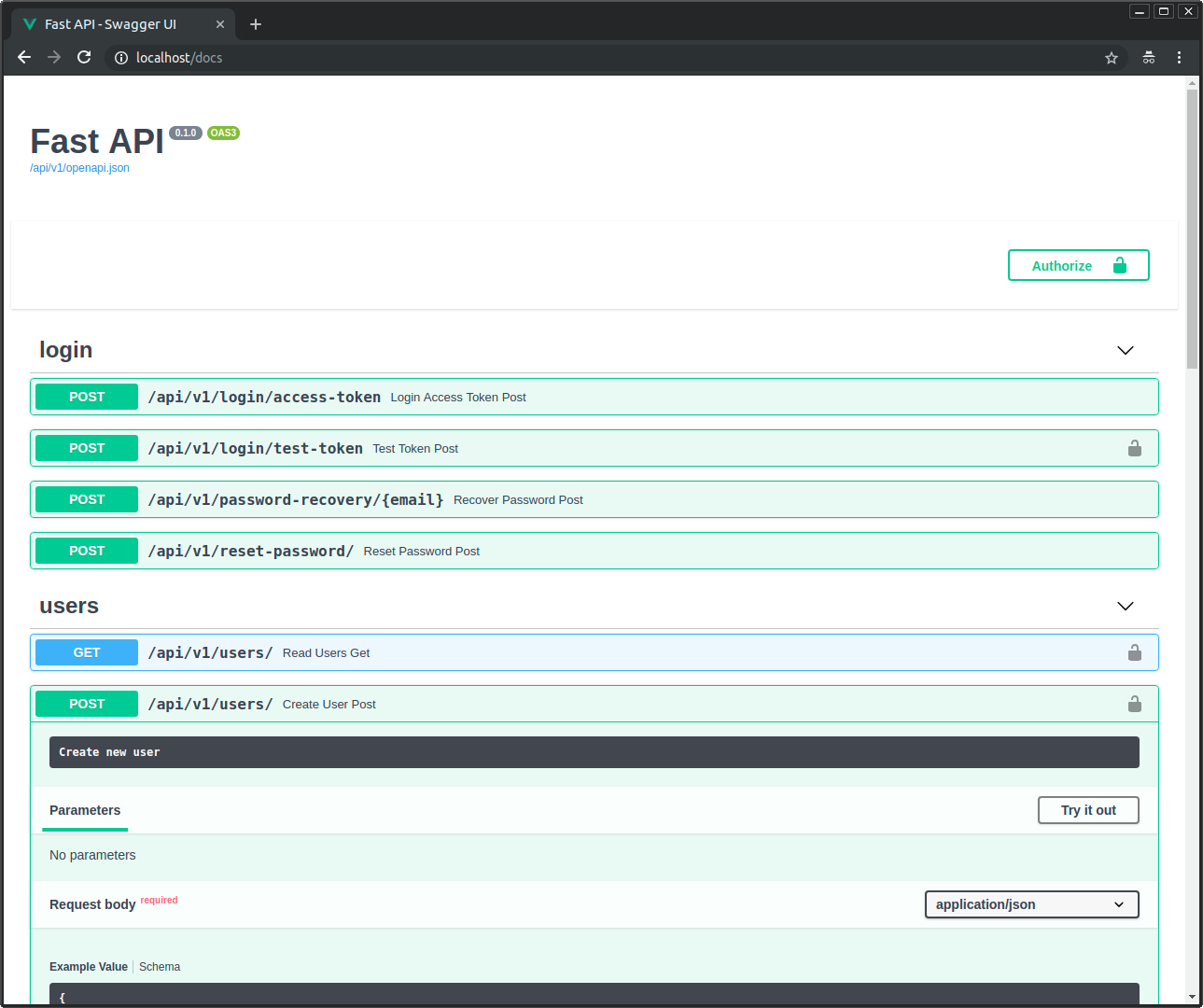
Interactive API Documentation
How To Use It
You can just fork or clone this repository and use it as is.
✨ It just works. ✨
How to Use a Private Repository
If you want to have a private repository, GitHub won't allow you to simply fork it as it doesn't allow changing the visibility of forks.
But you can do the following:
- Create a new GitHub repo, for example
my-full-stack. - Clone this repository manually, set the name with the name of the project you want to use, for example
my-full-stack:
git clone git@github.com:fastapi/full-stack-fastapi-template.git my-full-stack
- Enter into the new directory:
cd my-full-stack
- Set the new origin to your new repository, copy it from the GitHub interface, for example:
git remote set-url origin git@github.com:octocat/my-full-stack.git
- Add this repo as another "remote" to allow you to get updates later:
git remote add upstream git@github.com:fastapi/full-stack-fastapi-template.git
- Push the code to your new repository:
git push -u origin master
Update From the Original Template
After cloning the repository, and after doing changes, you might want to get the latest changes from this original template.
- Make sure you added the original repository as a remote, you can check it with:
git remote -v

origin    git@github.com:octocat/my-full-stack.git (fetch)
origin    git@github.com:octocat/my-full-stack.git (push)
upstream    git@github.com:fastapi/full-stack-fastapi-template.git (fetch)
upstream    git@github.com:fastapi/full-stack-fastapi-template.git (push)
- Pull the latest changes without merging:
git pull --no-commit upstream master
This will download the latest changes from this template without committing them, that way you can check everything is right before committing.
-
If there are conflicts, solve them in your editor.
-
Once you are done, commit the changes:
git merge --continue
Configure
You can update the local settings in the .env file. Before deploying, configure the environment variables and secrets described in the FastAPI Cloud deployment guide or the Docker Compose deployment guide. Never deploy with the default changethis values.
Generate Secret Keys
Some environment variables in the .env file have a default value of changethis.
You have to change them with a secret key, to generate secret keys you can run the following command:
python -c "import secrets; print(secrets.token_urlsafe(32))"
Copy the content and use that as password / secret key. And run that again to generate another secure key.
Backend Development
Backend docs: backend/README.md.
Frontend Development
Frontend docs: frontend/README.md.
Deployment
Deployment docs: deployment.md.
Docker Compose deployment: deployment-docker-compose.md.
Development
General development docs: development.md.
This includes the local FastAPI and Vite workflow, Docker Compose services, .env configuration, and more.
Release Notes
Check the file release-notes.md.
License
The Full Stack FastAPI Template is licensed under the terms of the MIT license.